
Persons
Database records
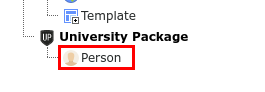
New person records can be created by using the "New record" function inside a folder.
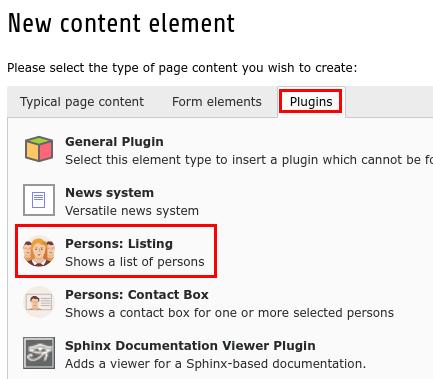
Persons: Listing plugin
The persons listing can be added to a page by adding a new content element of type "Plugins > Persons: Listing".
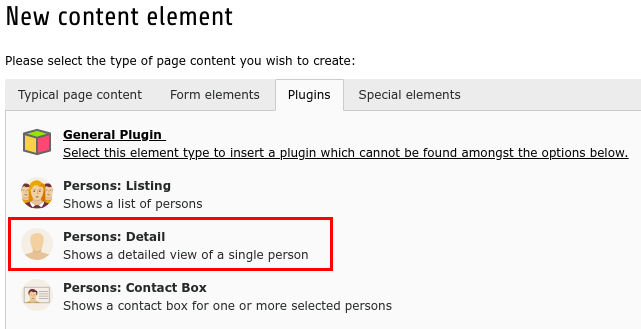
Persons: Detail plugin
The person detail plugin can be added to a page by adding a new content element of type "Plugins > Persons: Detail".
If the constant "plugin.tx_highereducationpackage_personslisting.view.settings.detailPid" is set, a link "View Details" will be added both to the persons list and the contact boxes that points to the page where you added the detail plugin. Please note that this setting can be done by admins only.
Plugin settings
The following settings can be done for the persons list plugin:
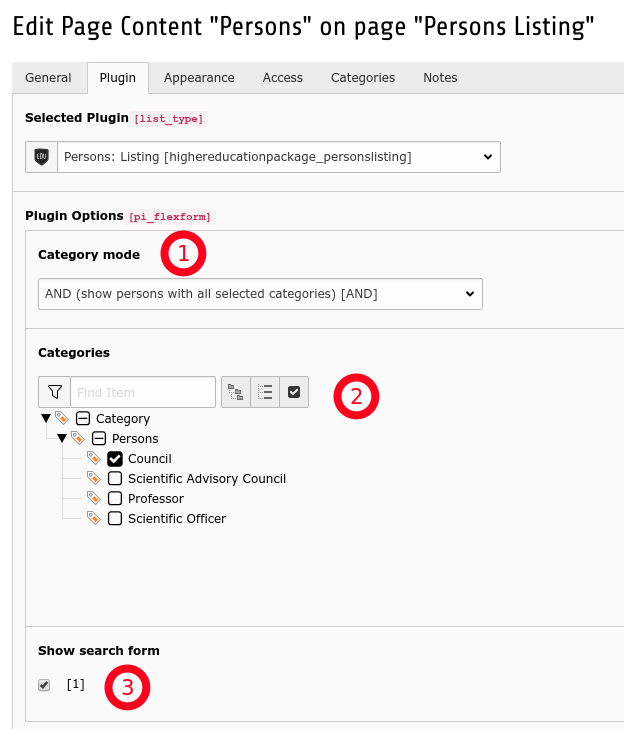
[1] Category mode
Define if catgegory selection in (2) will be ignored or will be treated as AND or OR relation.
| IGNORE | All person records will be shown |
| OR | All persons with at least one of the selected categories will be shown |
| AND | All persons with exactly the selected categories will be shown |
[2] Categories
Select the categories to be shown in persons list
[3] Show search form
Configure if the search form is shown.
Persons: Contact box plugin
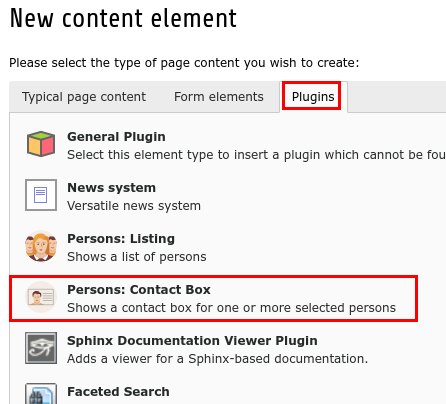
The contact box plugin can be added to a page by adding a new content element of type "Plugins > Persons: Contact Box".
Plugin settings
The following settings can be done for the persons contact box plugin:
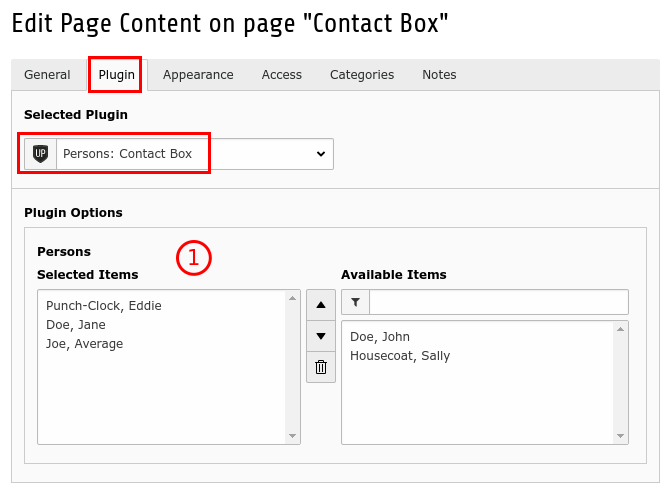
[1] Persons
Select the person records to show in the plugin. At least one person record has to be selected. The sorting in the select box will be used for sorting the records in the frontend output.
Tip
Use the filter on the right side of the select box to filter records by name